

Find the right product,
without knowing its name.
Your customers know what they’re looking for, but not always how to put it into words. QLOA understands their needs, uses and constraints to help them discover the products that fit.
Your customers describe a need. QLOA identifies the criteria.
A search can contain far more than a product name: a use, a context, a preference or a constraint. QLOA interprets this information and matches it to the characteristics available in your catalog.
“Shoes for walking around the city all day, waterproof, under €120, fairly understated.”
- The use
What the shopper wants to do with the product.
- The constraints
Budget, size, materials, features or compatibility.
- The preferences
Style, comfort, experience or desired features.

A specific request. A selection that answers it.
- 01Free-form wording
The visitor describes their need in their own words, as they would to a salesperson.
- 02Interpreted criteria
QLOA turns the request into concrete criteria, based on the visitor’s words.
- 03Selection
The catalog is queried. Only products that meet these criteria come up.
- 04Comparison
For each product, QLOA explains how it meets the request. The choice becomes simple.

- Directional beam
- Adjustable warm light
Narrowest beam: lights only your side of the bed.

- Adjustable head
- Adjustable brightness
Adjustable head: the light follows the book.

- Narrow beam
- Soft light
Narrow beam, but it mounts on the wall.
Change one criterion. Not your whole search.
A first selection doesn’t always match the need perfectly. The shopper can add a detail, change their budget or add a constraint. QLOA takes the earlier information into account to continue the search.
 Rechargeable · €45
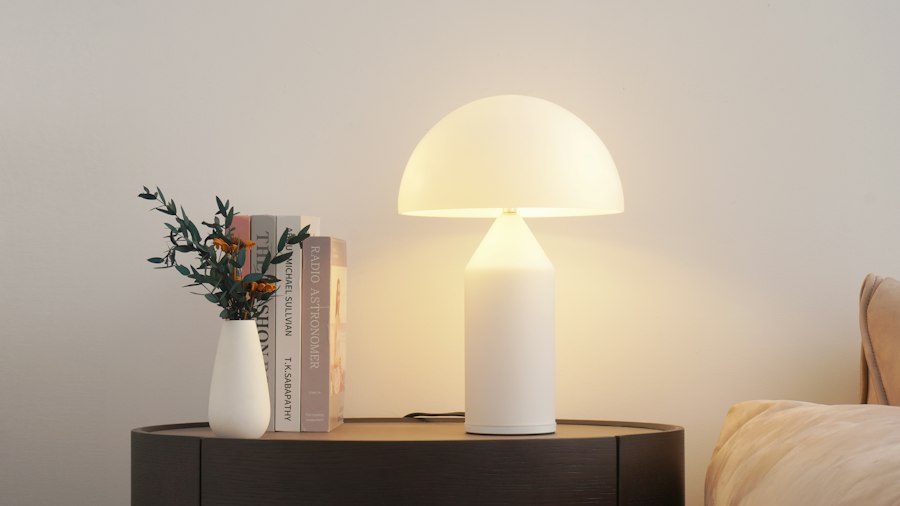 Rechargeable · €39
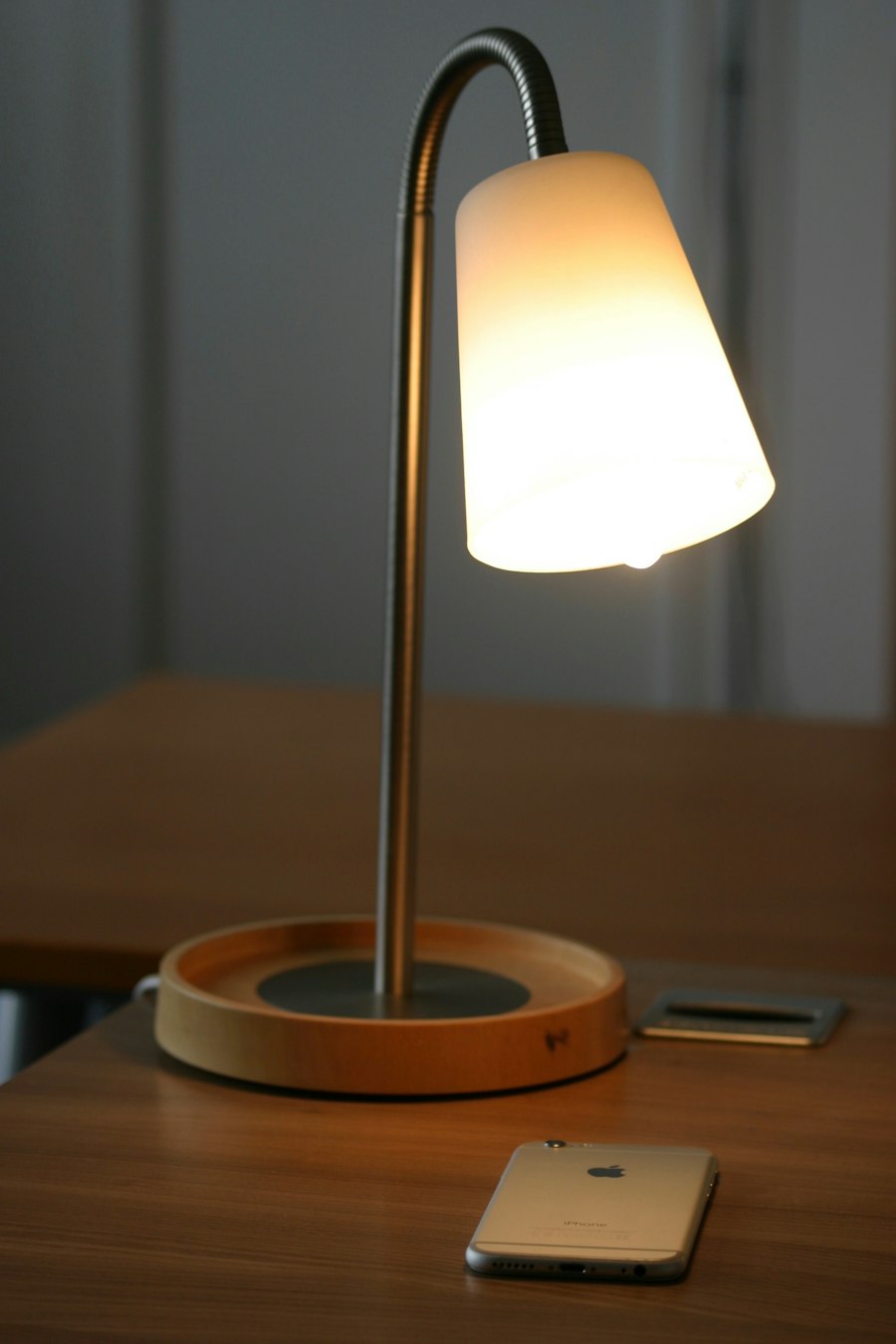 Rechargeable · €55
CustomerI’d prefer a rechargeable model, with no wall mount. And under €60.
Context kept: reading in bed · directional beam

A smarter search, all in one place.
- 01Your site’s search field
QLOA plugs into your existing search bar. One click, or the ⌘K / Ctrl+K shortcut, opens the search window.
- 02Instant results
From the first letters: products with their image, price and stock, and the product page in preview.
- 03Your pages too
Site mode also searches your pages and articles: delivery, returns, advice.
- 04The conversation takes over
A question asked as a sentence switches to the assistant, with the query already entered.
Recommendations must match your products. And their characteristics.
The relevance of a search depends as much on understanding the need as on the reliability of the available information. QLOA relies on the product data supplied by the company. When information is missing or compatibility can’t be established, the search respects that limit rather than making up an answer.
12 bedroom lights
Rechargeable, no mounting, under €60
Information missing: the product isn’t recommended
Out-of-stock products aren’t offered
 Out of stock: not offered
- Wired
- Over €60
- Wall mount
 Wired
Wired- Battery life not provided
- Over €60
- Compatibility not established
- Wired

What your customers search for shows what they expect.
Every search is a request expressed by a customer.
QLOA groups and counts them. Your teams know what to create, complete or rename in the catalog.
Create a “Reading in bed” collection in the Bedroom menu.
Make it a catalog filter and show it at the top of product pages.
Fill in the clamp opening on 9 product pages. Consider adding a model.
Plan ahead for stock and seasonal promotion.
Add these terms to product pages and SEO.
- Why
- Needs
- Criteria
- No answer
- Trends
- Vocabulary

What if your customers found what they’re looking for more easily?
See how QLOA can help your visitors explore your offering based on their needs, not just your categories.