



Book a demo
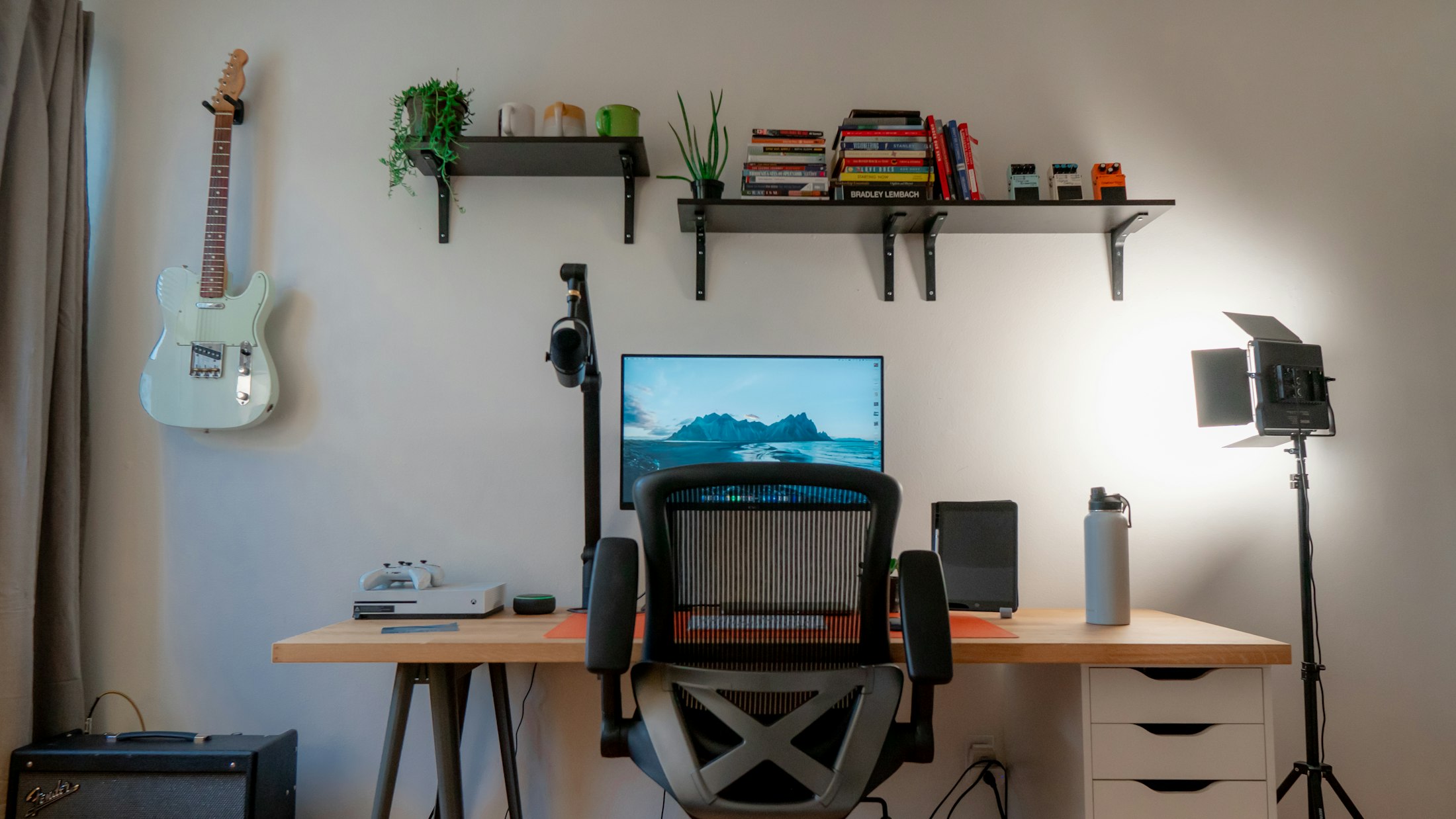
A desk with a monitor and a laptop in warm light

Tech & electronics

Technology moves fast. Choosing should stay simple.

A compatible device, a spec to decipher, a product suited to a specific use: QLOA turns technical questions into accessible advice and better-informed decisions.

CustomerI want to work on two monitors with my laptop, but I don’t know which docking station to choose.

QLOAYour laptop supports two displays over USB-C. Here are three compatible docking stations.

The questions behind the spec sheets

Understanding a spec is not understanding a use.

Power, connectivity, generation, compatibility: electronics catalogs multiply criteria without always simplifying the decision.

01
Challenge 01

Translate the features.

Visitors know what they want to do, not necessarily which component to choose.

02
Challenge 02

Check compatibility.

An accessory or peripheral doesn’t suit every device.

03
Challenge 03

Prepare installation and after-sales service.

Setup, warranties, connections and troubleshooting generate recurring requests.

The right products, for the right uses
01 / 03 · Before purchase

Understand the use before the reference.

The visitor describes their daily life and QLOA helps them identify the relevant features.

02 / 03 · Check compatibility

Clarify compatibility.

The assistant relies on exact references and the product data available.

03 / 03 · Complete the setup

Prepare a working set.

QLOA helps gather the items required for an installation or a use.

Customer

I edit video on the go and I’m looking for a computer that stays light.

QLOA

For editing on the go, aim for 32 GB of memory and under 1.6 kg.

  • Laptop Studio 14 · 1.4 kg
  • Laptop Air 15 · 1.5 kg
Customer

Will this monitor work with my Mac and charge it with a single cable?

QLOA

Yes: this monitor connects over USB-C and charges your Mac at up to 90 W.

  1. 01USB-C
  2. 0290 W charging
  3. 03macOS compatible
Customer

I’ve chosen my camera. Which lens and memory card should I get for traveling?

QLOA

For travel, a versatile zoom and a fast card are enough.

  • 24-105 mm zoom
  • 128 GB V60 SD card
  • Spare battery
The right products, for the right uses
01 / 03 · Before purchase

Understand the use before the reference.

The visitor describes their daily life and QLOA helps them identify the relevant features.

Customer

I edit video on the go and I’m looking for a computer that stays light.

QLOA

For editing on the go, aim for 32 GB of memory and under 1.6 kg.

  • Laptop Studio 14 · 1.4 kg
  • Laptop Air 15 · 1.5 kg
02 / 03 · Check compatibility

Clarify compatibility.

The assistant relies on exact references and the product data available.

Customer

Will this monitor work with my Mac and charge it with a single cable?

QLOA

Yes: this monitor connects over USB-C and charges your Mac at up to 90 W.

  1. 01USB-C
  2. 0290 W charging
  3. 03macOS compatible
03 / 03 · Complete the setup

Prepare a working set.

QLOA helps gather the items required for an installation or a use.

Customer

I’ve chosen my camera. Which lens and memory card should I get for traveling?

QLOA

For travel, a versatile zoom and a fast card are enough.

  • 24-105 mm zoom
  • 128 GB V60 SD card
  • Spare battery
The value of precise advice

Making the technical accessible makes buying easier.

01 / 03 · Conversion rate2.4%
Without QLOA 1.4%With QLOA 2.4%

Simplify comparison.

Explain the differences between products based on the visitor’s use.

02 / 03 · Accessories per order1.1
Without QLOA 0.4With QLOA 1.1

Showcase the right accessories.

Suggest useful combinations, based on verified compatibility.

03 / 03 · Returns for incompatibility6%
Without QLOA 14%With QLOA 6%

Limit incompatibility returns.

Check the technical prerequisites before purchase, rather than after delivery.

Technical friction revealed

Your customers flag what the spec sheets don’t make clear enough.

Recurring questions become indicators for improving information, product pairings and support journeys.

01 / 03

Measure what your conversations produce

Volumes, intents, outcomes: a clear summary of activity, every week.

02 / 03

Misunderstood compatibility

Spot the references and categories that raise doubts.

03 / 03

Emerging uses

Identify the work, creative or leisure contexts mentioned most.

In the platform

Tools to make technology accessible.

Beyond conversation, QLOA provides modules and tools already available in the platform.

  1. 01Product comparator

    Two models compared on usage criteria, not just the spec sheet.

    Synced catalog
  2. 02Price simulator

    The price or monthly payment by storage, term or bundle.

    OptionsMonthly payments
  3. 03Support tracking

    The progress of a repair or warranty request, and the latest reply.

    Tickets
  4. 04Visual analysis

    A photo of the device, analyzed before the case is opened.

    PhotoSupport ticket
Mastering AI

Powerful intelligence. Under your control.

QLOA must rely on the product pages, references, manuals and compatibility rules verified by your brand.

01Compatibility doubtAn older model, unspecified: the “Compatibility” rule applies.
02Product identifiedThe Duo station, in the cart: QLOA retrieves its technical prerequisites.
03Risky answer blockedThe answer “yes, it will work” is discarded. Instruction: never confirm without sufficient data.
Your technical advisorLive analysis

This station will definitely work with my old 2017 laptop, right?

I can’t confirm compatibility without the exact model. The station requires a DisplayPort-compatible USB-C port, which some older models lack. Support can check with your model number before you buy.

Source: spec sheet · Duo StationSent to Sami · technical support
04Based on your documentationThe prerequisite comes from the manufacturer’s spec sheet.
05Support takes overSupport receives the conversation and the model number to check.
Integration and deployment

Live in a few weeks.

Your content, your journeys, your tools: together we define what needs to be connected and checked before going live.

Week 1 / 4Scoping

Goals, priority journeys and touchpoints to equip.

  1. Week 1Scoping

    Goals, priority journeys and touchpoints to equip.

  2. Week 2Connecting the catalog and spec sheets

    Connecting the catalog and spec sheets, security rules.

  3. Week 3Customization and testing

    Interface in your brand colors, tone, rule validation.

  4. Week 4Go-live and follow-up

    Rollout, conversation monitoring, first insights.

W1W2W3W4
  • Scoping
  • Connecting the catalog and spec sheets
  • Customization and testing
  • Go-live and follow-up
TodayLive
Let’s make choosing easier to understand

What if every visitor finally understood what they’re buying?